Ayuda
Ayuda con la instalación del plugin
Respuestas a las preguntas más comunes sobre cómo instalar y usar ClawLink con tu agente.
Antes de solucionar problemas
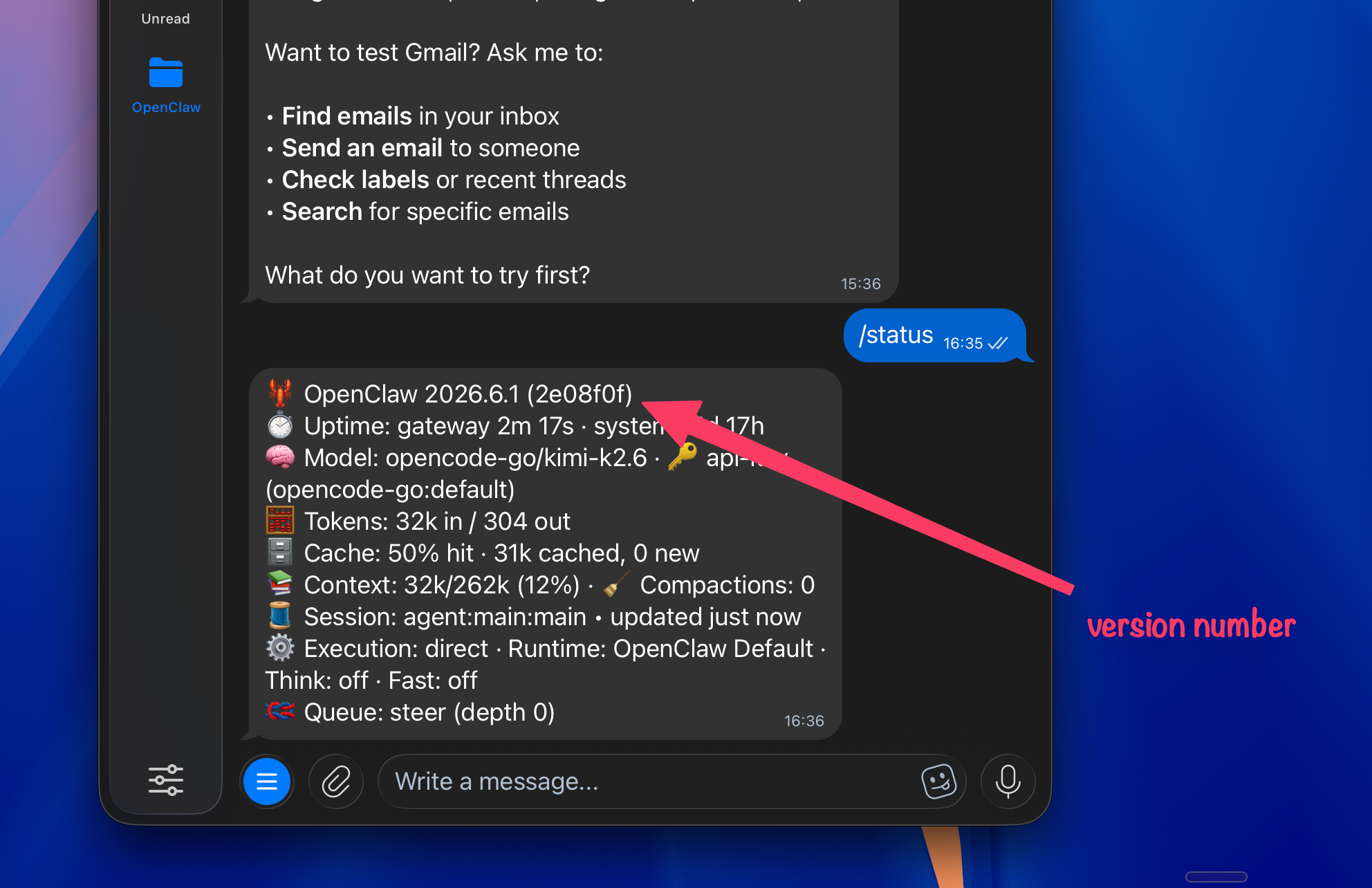
Actualiza OpenClaw y revisa tu versión primero.
Muchos problemas de plugins se corrigen en versiones nuevas de OpenClaw. Pídele a tu agente que actualice OpenClaw y luego revisa la versión que aparece en OpenClaw antes de intentar usar ClawLink de nuevo.
- Algunos modelos, sobre todo los modelos de código abierto que no son de última generación, tienen una regla de seguridad integrada muy estricta que les impide visitar enlaces externos. Los modelos de Claude y ChatGPT suelen leer la página de ClawHub y continuar. Si tu agente se niega, borra el chat con /new y envía directamente el enlace de ClawHub (https://clawhub.ai/plugins/clawlink-plugin). Empezar de cero suele romper el ciclo de rechazos.
- Los cambios en los plugins solo se reconocen al abrir una nueva sesión del agente. Reiniciar el gateway no es suficiente. Empieza una nueva conversación o chat para que las herramientas de ClawLink (clawlink_begin_pairing, clawlink_call_tool, etc.) se vuelvan a cargar y aparezcan entre las funciones disponibles del agente.
- El modelo se confunde y mezcla las herramientas del plugin con comandos de terminal. Empieza una sesión nueva con /new y pídele directamente al agente que se empareje con ClawLink. El emparejamiento se hace en el navegador, no con un comando de la CLI. No dejes que el agente se desvíe hacia diagnósticos del gateway.
- Dos cosas: (1) primero hay que completar el emparejamiento. Sin él, el agente no tiene ninguna conexión activa. (2) Después de emparejarlo, menciona ClawLink de forma explícita en tu petición, por ejemplo, usa Canva a través de ClawLink o usa Gmail a través de ClawLink. Así el agente recuerda enviar la llamada a través del plugin en lugar de buscar una herramienta de integración propia.
- Los modelos de pago de última generación, como GPT, Claude, Kimi, MiniMax y GLM, funcionan mucho mejor que los modelos que ejecutas en local en tu Mac mini. Prueba con un modelo así y vuelve a empezar el proceso de ClawLink.
¿Sigues sin encontrar una solución?
Unirse a nuestro Discord